
If your Steel-Line garage door wall remote isn’t working but the handheld remote still operates the door, the fault is more likely in the wall transmitter’s battery, programming, or signal transmission than in the opener motor.
However, some Steel-Line openers automatically delete previously stored transmitter codes when their memory capacity is exceeded. A functioning wall remote can therefore stop working after another remote is programmed.
Identifying the cause before replacing or reprogramming the wall remote can prevent unnecessary expenditure and accidental deletion of other working controls.
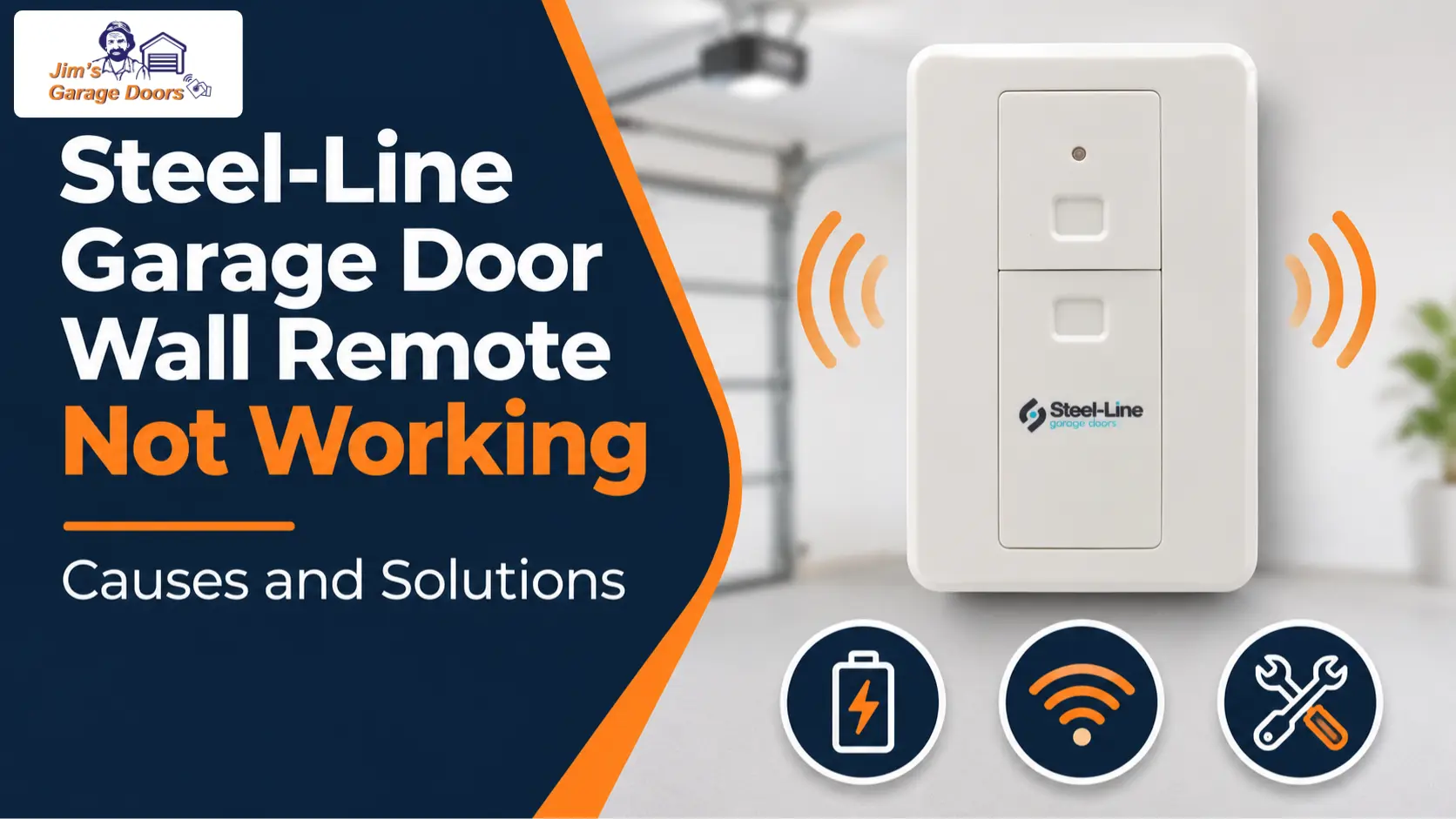
Why Is My Steel-Line Garage Door Wall Remote Not Working?
A Steel-Line garage door wall remote may stop working because of a depleted battery, lost programming, reduced transmission range, transmitter incompatibility or an opener receiver fault. Comparing its response with another programmed control helps isolate the problem.
| Wall remote behaviour | Possible cause | Recommended action |
|---|---|---|
| Wall remote fails but handheld remote works | Isolated transmitter fault | Check battery and programming |
| Indicator illuminates but door does not move | Weak battery or coding problem | Replace battery and check registration |
| Wall remote only works near the opener | Reduced signal range | Investigate battery and interference |
| Wall remote fails after adding another remote | Stored-code deletion | Check transmitter memory |
| Replacement wall remote will not pair | Compatibility or memory restriction | Verify opener and transmitter models |
| All wireless controls fail | Receiver, interference or opener fault | Arrange fault diagnosis |
These checks apply primarily to wireless wall remotes. A hardwired wall control communicates through a physical cable rather than a wireless transmitter.
If the control contains wiring, consult its installation instructions rather than attempting battery replacement, wireless programming or bridging its terminals.
How Do You Check the Steel-Line Wall Remote Battery and Signal Range?
Check the Steel-Line wall remote battery by installing the specified replacement and testing the transmitter from its normal mounting position and closer to the opener.
If the remote works reliably at a shorter distance, it is still communicating with the receiver, making lost programming less likely.
Identify the correct battery specification from the transmitter label or operating instructions.
An illuminated indicator alone does not confirm that the battery can support reliable radio transmission.
Compare the wall remote with a functioning handheld remote from the same location:
- Only the wall remote has poor range: Investigate its battery, contacts or transmitter condition.
- Both remotes have poor range: Investigate shared reception problems or interference.
- Both work near the opener but not from the mounting position: Surrounding metal structures or electrical interference may be affecting reception.
Keep replacement and used batteries away from children.
Which Steel-Line Wall Remotes Are Compatible With Your Opener?
Steel-Line WB1 wall remotes are documented for OL4, OL6 and RD11 openers, while ZTWB transmitters support SD800, SD1200, RD800, RD1200 and other specified models. Newer WWS-series transmitters support selected newer Steel-Line opener models.
Compatibility depends on the installed receiver and coding system, not simply the Steel-Line brand, transmitter appearance or radio frequency.
| Wall transmitter family | Documented compatible opener models |
|---|---|
| WB1 | OL4, OL6 and RD11 |
| ZTWB | SD800, SD1200, RD800, RD1200 and specified Sprint, Mustang and Boss RD1A models |
| WWS01, WWS02 and WWS03 | Selected SD1000, SD1500, Multi Drive and RD1000/RD1500 models, depending on the transmitter |
The ZTWB and WB1 transmitter families operate within the 433 MHz frequency band but have different documented opener compatibility. Radio frequency determines the communication band, whereas the coding system determines whether the receiver can recognise the transmitted command.
Before purchasing a replacement wall remote, confirm the complete opener model and original transmitter identification. For WWS-series controls, check the compatibility specifications for the individual transmitter.
The Steel-Line branding on the garage door itself does not necessarily identify the installed opener.
Why Did My Steel-Line Wall Remote Stop Working After Programming Another Remote?
A previously functioning Steel-Line wall remote can stop working after another transmitter is programmed because the SD800 automatically removes the earliest stored transmitter code when its documented memory capacity is exceeded.
The RD800 and RD1200 use a different procedure for handling full transmitter memory.
A comparison of Steel-Line’s operating manuals also reveals different documented transmitter capacities for the same SD800 opener model.
Steel-Line Transmitter Memory Capacity by Model and Manual Revision
| Opener model and manual revision | Maximum stored codes | Full-memory behaviour |
|---|---|---|
| SD800 – V6.05/19 | 6 | Earliest stored code removed when another is added |
| SD800 – V7.09/19 | 10 | Earliest stored code removed when another is added |
| RD800 – V2.12/19 | 15 | Memory must be cleared before registering transmitters again |
| RD1200 – V1.12/19 | 15 | Memory must be cleared before registering transmitters again |
The manufacturer documents establish different SD800 memory capacities but do not identify the specific hardware, firmware or production revisions responsible for the difference.
Do not assume that every SD800 supports ten transmitter codes simply because the later manual specifies that capacity.
How Can SD800 Transmitter Memory Limits Affect an Existing Wall Remote?
An SD800 can delete a functioning wall remote’s stored registration when you add another transmitter code beyond the opener’s documented memory capacity. This can make a working transmitter appear defective.
Consider an SD800 covered by the six-code manual:
- The opener already contains six stored transmitter codes.
- The wall remote holds the earliest registered code.
- A seventh transmitter code is programmed.
- The opener removes the wall remote’s registration.
- The new remote works, but the wall remote no longer operates the door.
In this illustrative scenario, replacing the wall remote or its battery would not resolve the underlying memory limitation. Reprogramming the wall remote could also displace another working transmitter.
Why Should You Avoid Clearing RD800 and RD1200 Transmitter Memory Unnecessarily?
Clearing the transmitter memory on the documented RD800 and RD1200 openers removes all registered wireless controls, including handheld remotes, wall buttons and wireless keypads.
If the memory is confirmed to be full, gather every wireless control that needs to remain operational before arranging a complete receiver recoding procedure.
Do not erase the entire transmitter memory simply because one wall remote has stopped working.
How Do You Reprogram a Steel-Line Garage Door Wall Remote?
Reprogram a compatible Steel-Line wall remote using the P and plus buttons on SD800 and SD1200 sectional openers, or the LEARN button on RD800 and RD1200 roller openers. Then register the selected transmitter code using the applicable model-specific coding procedure.
Confirm transmitter compatibility and available memory capacity before proceeding.
How Do You Program an SD800 or SD1200 Wall Remote?
Program a compatible ZTWB wall remote by entering transmitter coding mode using the P and plus buttons, pressing the selected transmitter button twice and storing the code with the P button.
- Hold P and + together until the indicator lights illuminate and LED 7 flashes.
- Briefly press + so that LED 7 remains illuminated by itself.
- Press and release the selected wall remote button twice in quick succession.
- When the indicator lights illuminate and LED 7 flashes again, press P to store the code.
- LED 3 illuminates to confirm successful programming.
How Do You Program an RD800 or RD1200 Wall Remote?
Program a compatible RD800 or RD1200 wall remote by briefly pressing the LEARN button and pressing the selected transmitter button within ten seconds.
- Briefly press LEARN. The indicator illuminates, and three beeps sound.
- Press and release the selected wall remote button within ten seconds.
- Successful registration is indicated when the LEDs extinguish.
Two beeps during coding indicate that the transmitter code is already stored. If the wall remote remains unresponsive, investigate transmitter condition and signal reception rather than repeatedly registering the same code.
Do not hold the LEARN button down. Holding it for seven seconds activates the transmitter deletion procedure on the documented controllers.
After programming, test all previously registered controls with the garage door fully visible and its opening clear. Complete the applicable manufacturer safety checks.
Should You Replace the Steel-Line Wall Remote or Repair the Opener?
Replace the Steel-Line wall remote when the fault has been isolated to that transmitter and battery replacement, compatibility checks and correct programming have failed. Arrange an opener inspection when multiple compatible wireless controls experience the same failure or cannot be registered.
Damaged buttons, corroded battery contacts or defective transmitter circuitry may justify wall remote replacement. Shared communication problems may instead indicate a receiver or control-system fault.
For broader opener faults, refer to our guide on Steel-Line garage door openers not working.
Jim’s Garage Doors provides assistance with garage door openers, transmitter compatibility, remote programming and receiver fault diagnosis.
Call 131 546 to arrange an inspection of your Steel-Line garage door control system.