
To program a Merlin MR850EVO remote, hold the chosen remote button, briefly press and release the motor’s yellow LRN (Learn) button, and wait for the courtesy LEDs to flash once. The single flash confirms that the Merlin SilentDrive opener has learned the transmitter code.
The MR850EVO supports Merlin Security+ 2.0 remotes, including the E940M, E943M, E945M and newer replacement options such as the E975M and E985M.
This Merlin opener guide explains how to locate the Learn button, program a remote, choose a compatible replacement, secure a lost remote and resolve pairing failures.
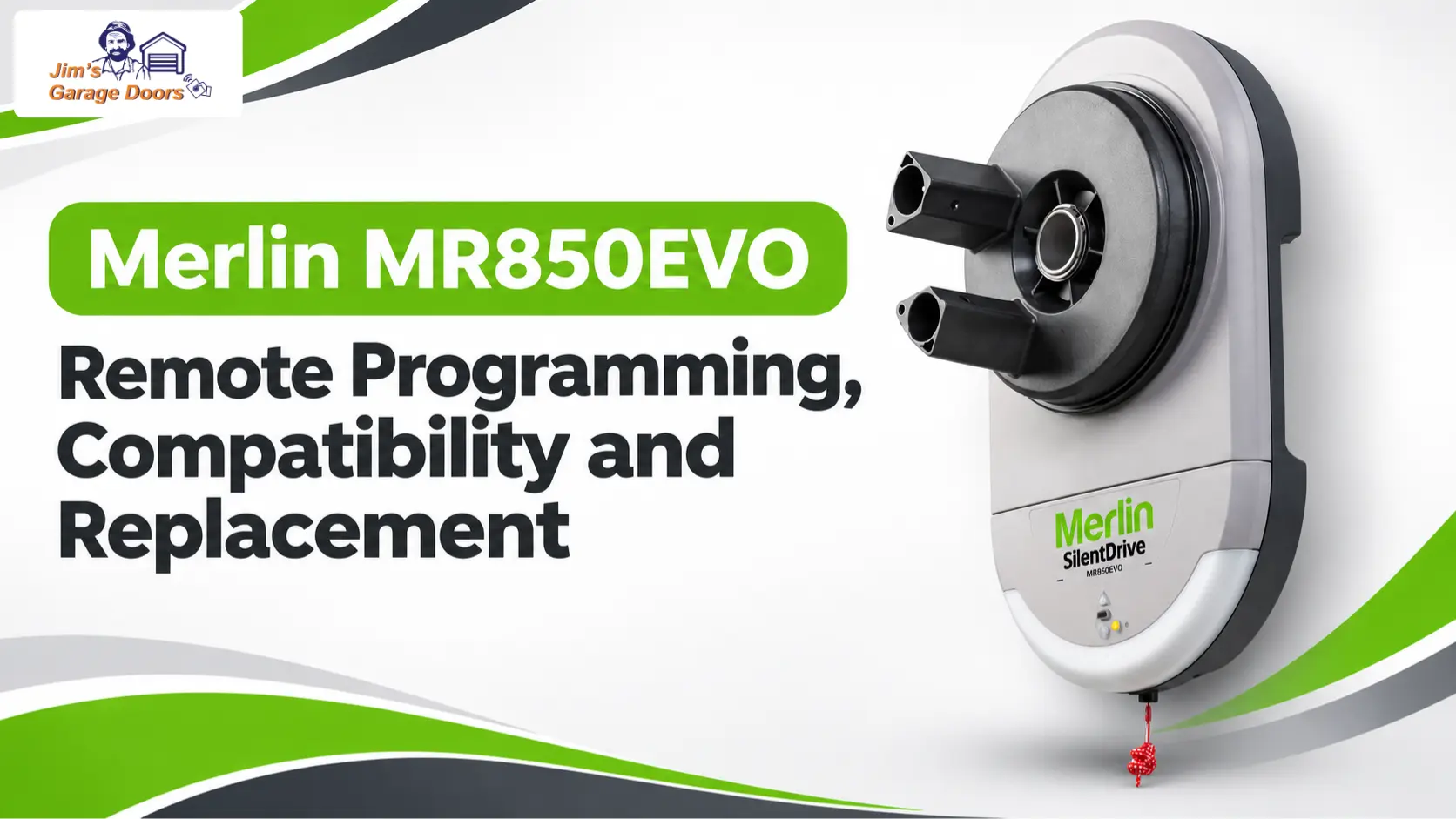
1. Where Is the Learn Button on the Merlin MR850EVO?
The Merlin MR850EVO Learn button is the round yellow LRN button on the opener’s control panel, beside the black rectangular button and the UP and DOWN arrow controls.
Before programming, check the motor’s identification label to confirm that it is an MR850EVO SilentDrive. Other Merlin models may have different programming controls.
The control panel contains:
- Yellow LRN button: Registers remotes and deletes stored transmitter codes.
- Black rectangular button: Used for door-limit programming and other settings.
- UP and DOWN buttons: Used during specified door adjustments.
- Orange indicator LED: Flashes when the opener receives a transmitter signal.
Use the yellow LRN button to pair the remote. Do not change the motor’s travel settings.
2. How Do You Program a Merlin MR850EVO Remote?
To program a Merlin MR850EVO remote, press and hold the selected remote button, briefly press and release the yellow LRN button, and confirm that the opener’s courtesy LEDs flash once.
Remotes supplied with the opener are factory-programmed. The following steps are for registering an additional or replacement compatible transmitter.
Before starting, ensure the garage door is fully visible and clear of people and obstructions.
Step 1: Press and Hold the Remote Button
Press and hold the button you want to use on the compatible Merlin remote.
The opener’s orange indicator LED should flash when it receives the transmitter signal.
Step 2: Press and Release the Yellow LRN Button
While holding the remote button, briefly press and release the yellow LRN button on the motor.
Do not hold LRN for an extended period, as this can erase stored remote-control codes.
Step 3: Wait for One Courtesy LED Flash
The opener’s courtesy LEDs should flash once to confirm that the remote code has been learned.
Release the remote button and test it while keeping the garage door in full view.
If the expected confirmation does not occur, check the remote and repeat the procedure.
Some newer replacement remotes may have additional handset-specific programming instructions. Follow the instructions supplied with the exact remote model where applicable.
What Do the Orange LED and Courtesy LEDs Mean?
The orange LED indicates that the MR850EVO is receiving a transmitter signal, while one courtesy LED flash confirms that the remote code has been successfully learned.
An orange flash alone does not confirm successful programming. Look for the courtesy-LED confirmation before testing the remote.
3. Which Merlin Remotes Are Compatible With the MR850EVO?
The Merlin MR850EVO supports Security+ 2.0 remotes, including the E940M, E943M and E945M listed in its installation manual, along with compatible newer four-button replacements.
| Remote model | Remote type | Suitable use |
|---|---|---|
| E940M | Single-button remote | Original-generation option |
| E943M | Three-button remote | Older multi-button option |
| E945M | Three-button mini remote | Older compact option |
| E960M | Four-button remote | Everyday replacement |
| E975M | Four-button keyring remote | Compact newer replacement |
| E985M | Four-button water-resistant remote | Keyring use with additional moisture protection |
| E964M | Four-button car visor remote | Convenient in-vehicle operation |
The E940M, E943M and E945M are documented in the MR850EVO manual. Newer Merlin remotes may support multiple generations of openers, but check compatibility against the exact motor model before purchasing.
Can an E975M Replace an Older E945M Remote?
Yes. The Merlin E975M is a compatible newer replacement option for an MR850EVO previously operated with an E945M remote.
The replacement does not need to look identical to the original handset. It must use a communication and coding system supported by the motor.
4. How Do You Replace a Damaged or Lost Merlin MR850EVO Remote?
To replace a damaged MR850EVO remote, program a compatible new handset using the yellow LRN button. If the original remote is lost or stolen, erase the opener’s stored transmitter codes and reprogram the remotes you intend to retain.
If the original remote is damaged but remains securely in your possession, check its battery before buying a replacement. Adding a compatible new handset normally does not require deleting other working remotes.
A lost or stolen remote is different because programming a replacement does not automatically disable the missing transmitter.
How Do You Erase All MR850EVO Remote Codes?
To erase all stored MR850EVO transmitter codes, press and hold the yellow LRN button until the orange indicator LED goes out, after approximately nine seconds.
Follow these steps:
- Locate the yellow LRN button on the motor.
- Press and hold LRN. The orange indicator LED will illuminate.
- Continue holding until the orange LED goes out, after approximately nine seconds.
- Release LRN.
- Reprogram the remotes and applicable wireless controls you still want to use.
This deletes all stored transmitter codes, not just the missing remote’s code.
Gather the remotes you intend to retain before starting, as they must be registered again afterwards.
Do not clear the opener’s memory simply because one remote works intermittently.
5. Why Won’t a Merlin MR850EVO Remote Program?
A Merlin MR850EVO remote may fail to program because its battery is weak, the transmitter is incompatible, the pairing sequence is incomplete or the motor is not receiving the signal.
The orange indicator and courtesy LEDs can help identify where the problem occurs.
| What happens | What to check |
|---|---|
| Orange LED does not flash when the remote is pressed | Remote battery, compatibility and operating distance |
| Orange LED flashes, but no courtesy LED confirmation appears | Repeat the pairing sequence and check the remote’s programming instructions |
| Existing remote works but replacement does not | Replacement compatibility, battery and programming |
| All remotes stop responding | Test another available control to help isolate an opener or receiver problem |
| Remote works only at close range | Battery condition, antenna positioning and possible interference |
If a confirmed compatible remote repeatedly fails to register, the problem may involve the transmitter or opener’s receiver rather than the programming sequence.
For additional battery, signal and receiver diagnosis, see our Merlin Garage Door Remote Not Working guide.
Jim’s Garage Doors provides garage door opener repairs and replacement services. A technician can assess the remote, receiver and motor before recommending a repair or replacement.
Call Jim’s Garage Doors on 131 546 if your Merlin MR850EVO continues to have remote-control problems.