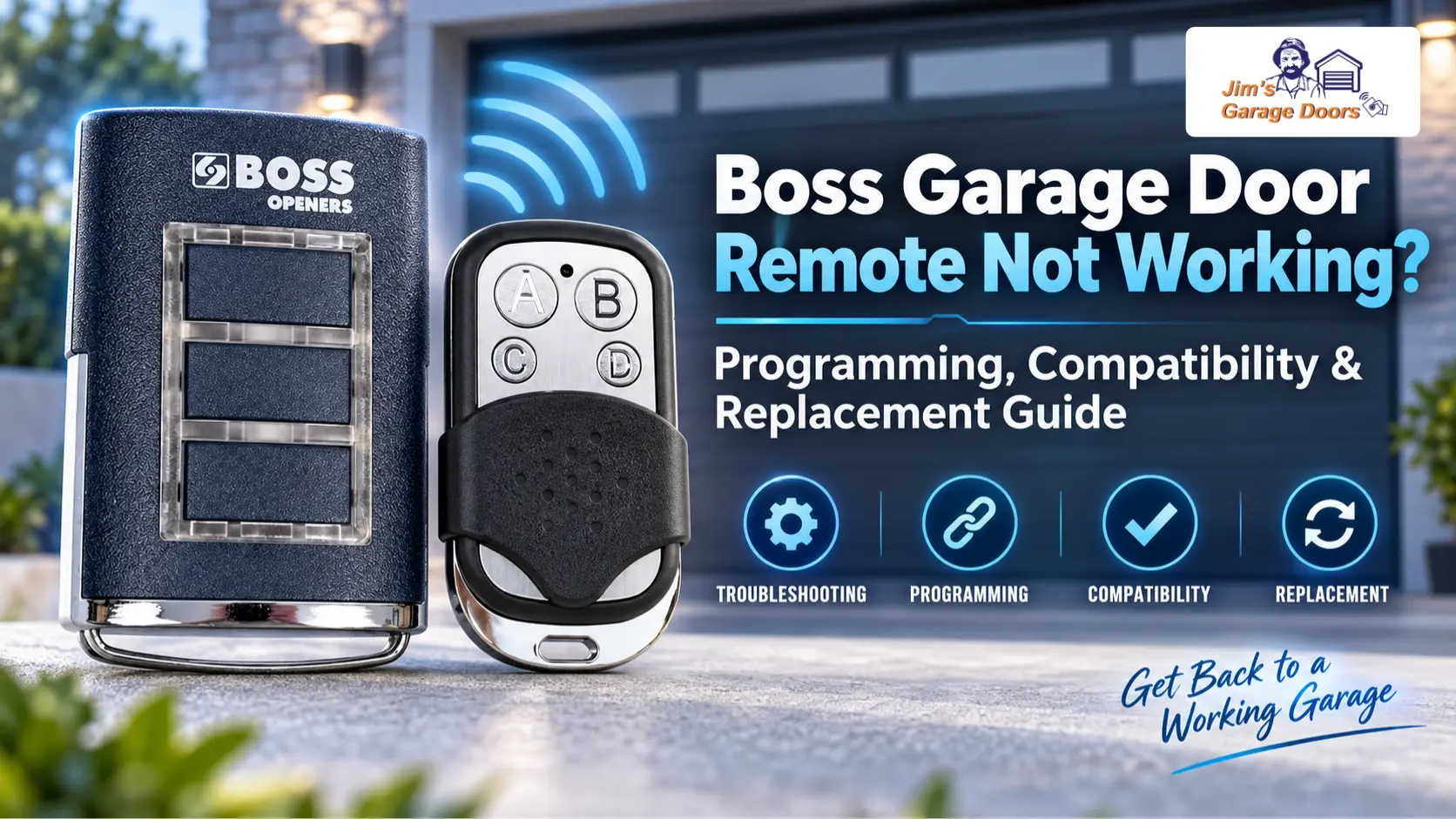
If your BOSS garage door remote stops working but the wall control still operates the door, the problem is more likely the remote, its battery, programming, or the opener’s radio receiver than the garage door motor.
Before buying or programming another handset, identify the BOSS opener model and existing remote.
Older BOSS systems use different transmitter generations, frequencies, and programming procedures, so a replacement that looks similar to the original isn’t automatically compatible.
A useful first test is the wall control. If it operates the garage door normally, focus on the remote-control system.
If neither the wall control nor the remote operates the door, the problem is broader than the handset. Start with our BOSS Garage Door Opener Troubleshooting Guide to check power, controls, drive behaviour and garage-door resistance.
How Can You Tell Whether the BOSS Remote Is Actually the Problem?
If the wall control operates the garage door but one handheld remote doesn’t, start by checking the remote itself.
Start with a fresh battery and test the remote again from a normal operating distance. If another known compatible remote still operates the opener, the failed handset, its battery or its programming becomes the more likely issue.
If every remote stops working at the same time while the wired wall control still operates the door, the problem may instead involve the receiver or stored remote codes.
This creates a simple diagnostic split:
| What Happens | More Likely Area | First Action |
|---|---|---|
| One remote fails, another works | Individual remote | Check battery and programming |
| All remotes fail, wall control works | Receiver or stored codes | Check programming system |
| New remote will not program | Compatibility or programming procedure | Confirm opener and handset |
| Remote works only at very short range | Battery, handset, receiver or interference | Fit fresh battery and retest |
| Wall control and remotes all fail | Wider opener fault | Troubleshoot the opener |
Jim’s Garage Doors also advises that garage door remotes must match the opener’s brand, model, frequency, and coding system, not just the appearance.
Which BOSS Garage Door Remote Do You Have?
Identify both the opener model and the existing handset before ordering a replacement because BOSS-branded systems do not all use the same remote system.
Check the model label on the garage door opener first. Then inspect the existing remote for a model number, frequency marking, button layout or other identification.
Steel-Line currently lists the HT4 as a genuine 303 MHz two-button handset that may also carry BOSS branding. It is documented for OL4, OL6 and RD9 openers manufactured before July 2013.
Separate BHT3-R documentation describes a three-button BOSS/Guardian remote operating at 433 MHz, with compatibility listed for BOSS BOL5, BOL6 and BRD9 motors.
That is why simply knowing the opener says “BOSS” isn’t enough to choose a replacement handset.
What Is the Difference Between 303 MHz and 433 MHz BOSS Remotes?
303 MHz and 433 MHz BOSS remotes use different radio systems and should not be treated as interchangeable.
For example, the documented HT4 is a 303 MHz handset for certain older OL4, OL6 and RD9 systems, while the documented BHT3-R operates at 433 MHz with BOL5, BOL6 and BRD9 compatibility.
Frequency is only part of compatibility. The transmitter must also use a coding system the receiver accepts.
That means a generic handset advertised only as “303 MHz” or “433 MHz” is not automatically suitable for a BOSS opener.
A universal or aftermarket remote may work, but it should explicitly list compatibility with the relevant opener or original remote system. Matching appearance or frequency alone is not enough.
Why Won’t a New BOSS Remote Program to the Opener?
A new BOSS remote usually fails to program because the handset is incompatible, the wrong programming procedure is being used, the receiver is not entering programming mode or the receiver has a fault.
Check compatibility before repeatedly trying to pair the remote.
If an existing handset still operates the door but the new handset won’t program, the receiver is still communicating with at least one stored transmitter. In that situation, confirm the new remote’s model, frequency and compatibility first.
If no remotes work but the wall control still does, the receiver or its stored codes deserve more attention.
One of the easiest mistakes is to buy a replacement remote because the casing resembles the old one. A similar-looking remote can use a different frequency or coding system.
How Do You Program a BOSS BHT3-R Remote?
The documented BHT3-R programming procedure depends on whether the compatible receiver is fitted to a roller-door opener or an overhead/tilt-door opener.
BHT3-R documentation specifies 433 MHz operation and lists BOSS BOL5, BOL6 and BRD9 motors among its compatible systems. It also uses different programming controls for the two opener configurations.
How Do You Program a BHT3-R on a Compatible Roller-Door Opener?
On the documented roller-door receiver, use the Learning button and LED confirmation to program.
- Locate the receiver board behind the motor faceplate.
- Press the Learning button once; the yellow LED should illuminate.
- Press and hold the required button on the new remote until the green LED flashes twice.
- Press the Learning button again to turn off the yellow LED.
This sequence comes from the BHT3-R programming instructions.
Use this procedure only when the opener and receiver match the documented arrangement.
How Do You Program a BHT3-R on a Compatible Overhead or Tilt Opener?
On the documented overhead/tilt receiver, use the Radio Set Button instead of the roller-door Learning button.
Press the Radio Set Button on the receiver. The courtesy light should switch on for the programming period. Press the required button on the new remote during that period; the documented confirmation is the courtesy light flashing twice.
This difference matters because no single “press the learn button” procedure applies to every BOSS opener.
How Do You Program an Older BOSS HT4 Remote?
Program an older HT4 according to the exact compatible opener, not the BHT3-R procedure.
Steel-Line identifies the HT4 as a 303 MHz two-button handset suitable for OL4, OL6 and RD9 openers manufactured before July 2013 and provides dedicated coding instructions for those systems.
The practical sequence therefore begins with identifying the opener model.
Do not copy a procedure intended for a BOL5/BOL6 BHT3-R installation and apply it to an OL4, OL6 or RD9 simply because both systems may carry BOSS branding.
If you can’t identify the opener label or existing handset, confirm the receiver before buying another remote.
How Do You Delete a Lost or Stolen BOSS Remote?
On compatible BOSS systems, you can remove stored remote access by clearing receiver memory, but this may erase all programmed transmitters, not just the missing remote.
This is useful when a remote has been lost or stolen, and you no longer want it to operate the garage door.
For the documented BHT3-R roller-door system, remote deletion involves switching off the receiver, holding the Learning button and restoring power until the specified indicator sequence appears. For the documented overhead/tilt system, holding the Radio Set Button for about five seconds confirms deletion.
After clearing receiver memory, be prepared to reprogram the authorised remotes.
Do not hold programming or memory buttons experimentally. Confirm the model and correct deletion procedure first.
What Should You Do If All BOSS Remotes Stop Working?
If all BOSS remotes stop working while the wired wall control still operates the door, check the receiver or stored remote programming before replacing all the handsets.
Several remotes failing independently at exactly the same time is less likely than a shared receiver-side problem.
Check whether the receiver still enters programming mode and whether you can store a known compatible handset again. If the correct remote will not program and the receiver gives no normal programming response, you may need a receiver or opener-control diagnosis.
If the wall control has also stopped operating the garage door, the problem is no longer isolated to the remote system. Move back to the broader BOSS Garage Door Opener Troubleshooting process.
Jim’s Garage Doors’ opener service includes remote compatibility, programming and opener-control diagnosis.
When Should the Receiver or Opener Be Checked?
Check the receiver or opener when you can’t program the correct compatible remote, all remotes fail while the wall control still works, or programming repeatedly disappears.
Receiver diagnosis is also appropriate when remote operation becomes intermittent despite fresh batteries and confirmed compatible handsets.
A useful decision rule is straightforward: if one remote fails while another works, concentrate on that handset; if every remote fails while the wired control works, concentrate on the radio receiver; if both wired and wireless controls fail, diagnose the opener as a whole.
This keeps remote replacement from becoming trial and error.
If receiver problems are occurring alongside motor, drive or travel faults, see our BOSS Garage Door Opener Repair or Replace Guide before continuing to replace individual controls.
Need Help With a BOSS Garage Door Remote?
If you cannot identify the correct BOSS remote or a confirmed compatible handset still will not program, identify the receiver before purchasing another replacement.
If the opener and receiver are working reliably but you want to add phone control, explore our BOSS Garage Door Opener Smart Upgrade Guide for compatible retrofit options.
Jim’s Garage Doors can assist with garage door remote identification, compatibility, programming and opener-control diagnosis. If testing shows the problem extends beyond the handset, we can assess the opener instead of unnecessarily replacing remotes.
Call Jim’s Garage Doors on 131 546 or request a quote to arrange an inspection.