
An Automatic Technology (ATA) garage door remote may stop working because of a flat battery, lost programming, a damaged handset or an incompatible replacement. If all remotes have stopped working, the problem may involve the opener’s receiver or control system.
Start by testing another programmed remote or wall control, if available. If the garage door operates normally from another control, investigate the faulty handset before considering opener repairs.
The appropriate solution depends on the remote model, battery condition, programming and compatibility with the opener.
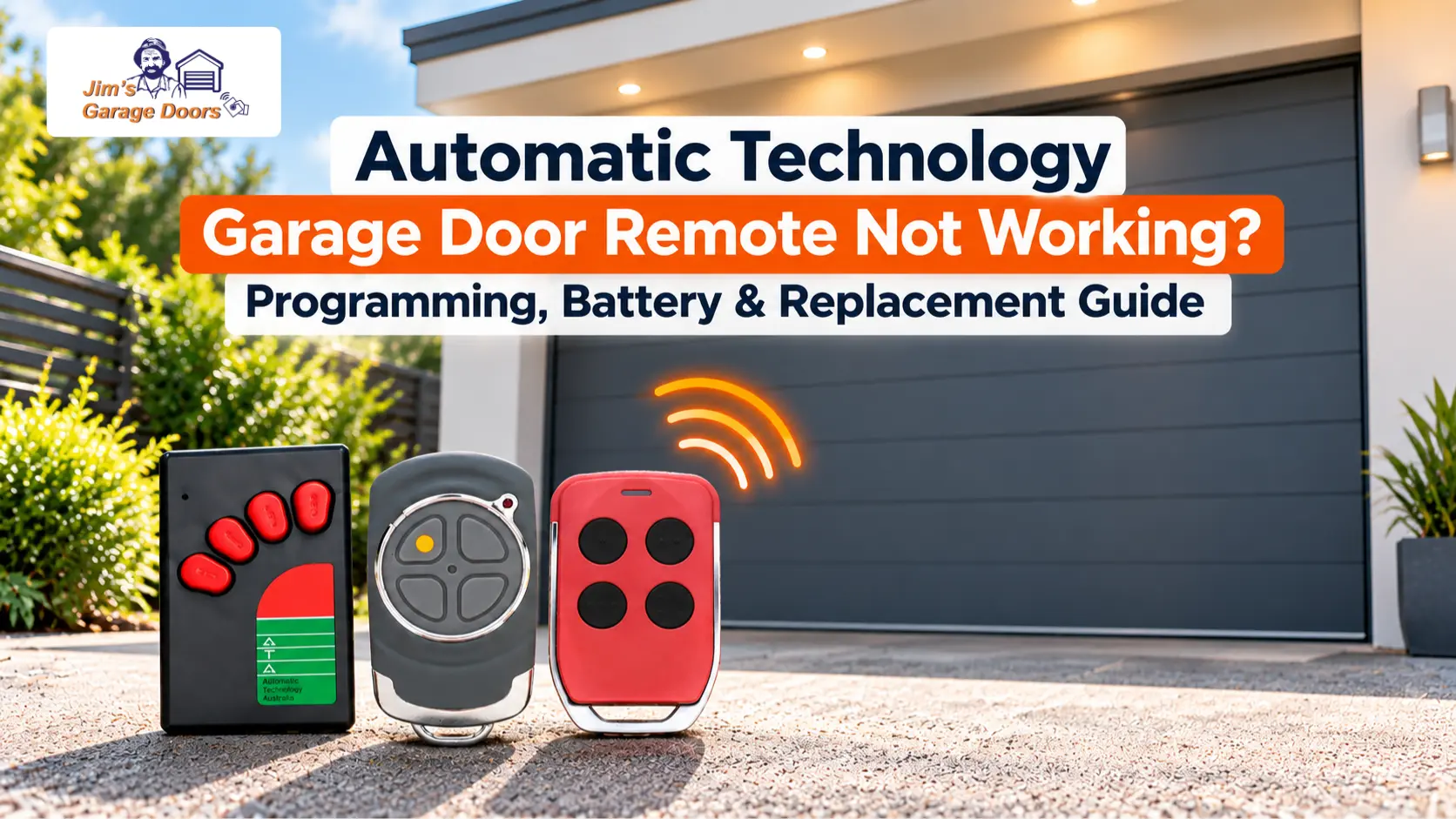
What Should You Check First When an Automatic Technology Remote Stops Working?
Start by checking the remote battery, testing another available control and confirming that the opener has power. These checks help establish whether the problem is isolated to the handset.
Check the following:
- Battery: Check whether the remote battery needs replacing.
- Another remote: Test a second programmed handset, if available.
- Wall control: Check whether the wall-mounted control operates the door, if fitted.
- Power: Confirm that the opener is receiving its normal power supply.
- Operating mode: Check whether a lockout or Vacation Mode function is active, where supported.
If another remote operates the door normally, the problem likely involves the individual handset.
If every remote fails but the wall control works, the wireless control system may need further investigation.
How Do You Know If Your ATA Remote Battery Is Flat?
A flat or weak battery can cause an ATA remote to stop responding or become unreliable, although these symptoms alone do not confirm a battery fault.
Possible signs include:
- The remote no longer operates the garage door.
- Operation becomes intermittent.
- The handset’s indicator behaves differently from normal, where fitted.
- Another programmed remote continues to work.
A weak battery can affect remote operation, but damaged contacts or a faulty handset may produce similar symptoms.
Check the battery specified for your remote model rather than assuming every ATA handset uses the same type.
How Do You Replace an Automatic Technology Garage Door Remote Battery?
Identify your ATA remote model, confirm the correct battery type and follow the battery-replacement instructions for that handset.
The general process is:
- Identify the remote model or part number.
- Confirm the manufacturer’s specified battery type.
- Open the battery compartment according to the handset instructions.
- Remove the old battery and install the correct replacement, paying attention to polarity.
- Reassemble the remote and test its operation.
Do not force an unfamiliar remote housing. Battery compartments and opening methods can differ between handset models.
If the remote remains unresponsive after you install the correct battery, check the handset and programming before buying a replacement.
Why Is My ATA Remote Still Not Working After Changing the Battery?
If your ATA remote still doesn’t work after a battery change, the problem may involve incorrect battery installation, damaged contacts, a faulty handset, or lost programming.
First, confirm that you installed the correct battery with the correct polarity.
Check for visible damage to the battery contacts or handset.
If another programmed remote works normally, the problem is likely isolated to the handset that has stopped responding.
If the remote is physically sound and compatible with the opener, check whether it needs programming.
Do not repeatedly reset the opener to troubleshoot one faulty remote.
How Do You Program an Automatic Technology Garage Door Remote?
ATA remote programming depends on the opener model, handset, and receiver, so use the procedure specified for your specific combination.
Don’t assume a single programming sequence will work for every Automatic Technology opener.
1. Identify Your ATA Opener Model
Locate the opener’s model information to select the correct programming instructions.
Automatic Technology has produced different roller-door and sectional-door opener models, including EasyRoller, Enduro, Dynamo and Ero.
You can generally find the model information on the opener’s identification label.
2. Identify Your Remote Model
Check the handset’s model or part number before attempting to program it.
ATA remotes can differ in control technology even when they look similar.
Accurate handset information is essential to confirm compatibility and choose the right programming procedure.
3. Confirm Remote Compatibility
The handset must be compatible with the opener or its fitted receiver to program it successfully.
Check the manufacturer’s compatibility information for the exact combination.
An ATA-branded handset is not automatically compatible with every ATA opener.
4. Follow the Model-Specific Programming Instructions
Use the manufacturer’s programming procedure for the identified opener and compatible remote.
Depending on the system, programming may involve an opener or receiver control and a specified sequence of handset button presses.
Use the instructions for your particular model rather than following an unrelated ATA programming sequence.
Avoid clearing the receiver’s stored remote memory unless the correct procedure requires it and you understand the consequences.
5. Test the Remote
After programming, test the handset to confirm that it operates the intended garage door correctly.
Test from a position where the garage door is visible, and its operating path is clear.
If programming is unsuccessful, confirm compatibility and the applicable procedure before assuming the remote needs replacing.
Why Won’t My Automatic Technology Remote Program to the Opener?
An ATA remote may fail to program because it is incompatible, the incorrect procedure is being used, the handset is faulty or the receiver is not accepting it.
The main causes to investigate are:
- Incompatible handset: The remote does not support the fitted receiver.
- Incorrect programming procedure: The instructions are intended for another opener or receiver.
- Battery or handset fault: The remote cannot transmit correctly.
- Receiver problem: The opener is not accepting the programming attempt.
- Programming limitation: A model-specific restriction or stored-control limit may apply.
If you can’t program a compatible remote using the correct instructions, the receiver or opener control system may require professional diagnosis.
Which Replacement Remote Is Compatible With My Automatic Technology Opener?
The correct replacement remote depends on your ATA opener model, fitted receiver and supported control technology, not simply the remote’s appearance or branding.
Before purchasing a replacement, confirm:
- The exact opener model.
- The original remote’s model or part number, if available.
- The receiver type, where relevant.
- Manufacturer-confirmed compatibility.
- Whether additional equipment is required.
This is particularly important when replacing a remote for an older Automatic Technology opener.
A newer ATA handset may not work with an older receiver, even if both products carry the same brand.
Likewise, don’t assume a universal remote is compatible without checking its supported control technology.
If the original handset is unavailable, use the opener’s identification information to establish the appropriate replacement.
Should You Reprogram or Replace a Faulty ATA Garage Door Remote?
Reprogramming is appropriate when a compatible, functional remote has lost its connection to the opener. Replacement is more appropriate when the handset is damaged, defective or incompatible.
| Remote Problem | Appropriate Next Step |
|---|---|
| Flat battery | Fit the correct replacement battery |
| Lost programming | Follow the correct programming procedure |
| Physically damaged handset | Assess remote replacement |
| Incompatible replacement | Obtain a compatible remote |
| One remote fails, but another works | Investigate the individual handset |
| All remotes fail | Investigate the wireless control system |
| No available controls work | Check the opener and broader system |
Replacing the handset will not resolve a faulty receiver.
Similarly, replacing the complete opener is generally premature when the fault is isolated to one remote.
What Should You Do If Your ATA Garage Door Remote Is Lost or Stolen?
If you lose a remote or have it stolen, check the opener’s model-specific procedure for removing the missing handset’s access before programming a replacement.
A missing remote may still operate the garage door if the receiver still authorises it.
Depending on the system, the appropriate procedure may involve removing the individual remote’s access or clearing stored remote memory.
Be aware that clearing receiver memory may also affect other programmed handsets.
After removing the missing remote’s access, program and test the replacement using the applicable instructions.
If the correct procedure is unclear, arrange professional assistance rather than attempting an unfamiliar reset.
What If All Your ATA Garage Door Remotes Stop Working?
If every programmed ATA remote stops working, check the opener’s power, operating mode, and wireless control system before assuming all the handsets have failed.
If the wall control operates the door but none of the remotes works, the receiver or wireless control system may require attention.
If neither the remotes nor the wall control operates the door, the opener may have a broader fault.
If diagnosis confirms a significant opener fault rather than a handset problem, see our Automatic Technology garage door opener repair or replace guide for the next steps.
For further diagnosis, see our Automatic Technology Garage Door Opener Troubleshooting Guide.
Professional inspection is appropriate when compatible remotes cannot be programmed, the receiver may be faulty or multiple controls remain unresponsive.
FAQs
Can I Use a Universal Remote With an Automatic Technology Garage Door Opener?
A universal remote may work with an ATA opener if it supports the specific receiver and control technology fitted. Confirm compatibility before purchasing or programming the handset.
Does Changing an ATA Remote Battery Erase Its Programming?
Whether a battery change affects programming depends on the handset’s design. Follow the instructions for your specific remote rather than assuming that replacing the battery requires reprogramming.
Can I Program Two ATA Remotes to the Same Garage Door?
Multiple compatible remotes may be programmed to an ATA opener, subject to the receiver’s capabilities and model-specific limits. Follow the applicable instructions for each handset.
Need Help With an Automatic Technology Garage Door Remote?
If your ATA remote remains unresponsive, cannot be programmed or needs replacing, Jim’s Garage Doors can assess the handset and opener control system to identify the appropriate solution.
A technician can investigate remote compatibility, programming, receiver operation and related opener-control faults before determining whether repair or replacement is required.
Call Jim’s Garage Doors on 131 546 or request a quote online to arrange an inspection.