
A DOMINATOR garage door remote may stop working because of a weak battery, lost programming, Vacation Mode, transmitter failure, incompatibility with the opener, or an opener issue rather than a remote problem.
Start by testing another programmed remote or available control. If another remote operates the garage door normally, focus on the affected transmitter. If all remotes stop working, check the opener before buying or programming another remote.
DOMINATOR has used different remote-control systems and programming procedures across its opener range, so identify the opener and transmitter before following programming instructions or ordering a replacement remote.
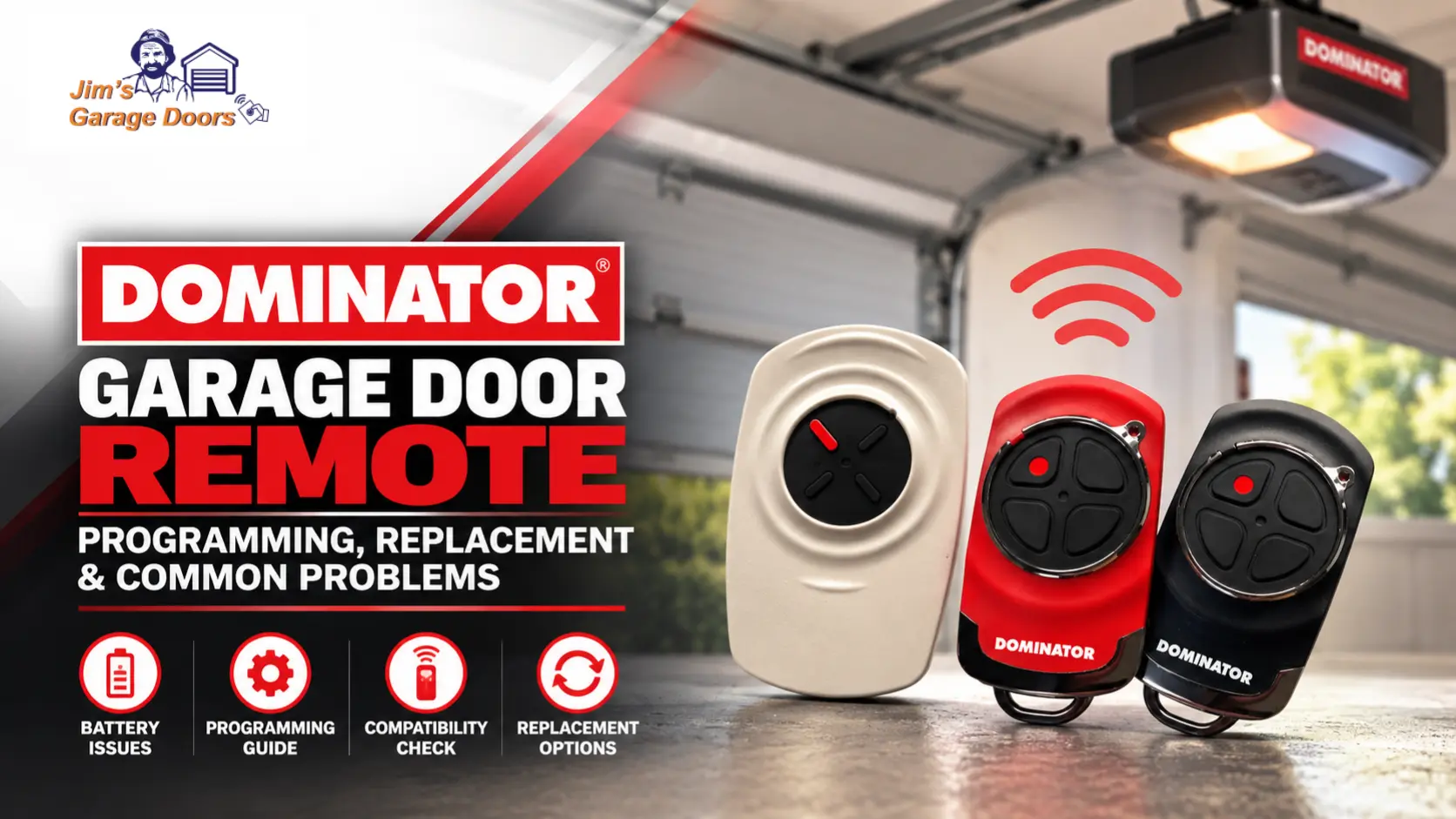
Why Is My DOMINATOR Garage Door Remote Not Working?
A DOMINATOR remote that isn’t working usually points to the battery, transmitter programming, Vacation Mode, remote compatibility, or the opener’s remote-control system. The behaviour of other controls helps you determine what to investigate.
| What happens | Likely cause | What to check |
|---|---|---|
| One remote fails but another works | Battery, programming or faulty transmitter | Check the affected remote |
| All remotes stop working | Opener, receiver, power or operating mode | Test another available opener control |
| Remote only works close to the opener | Weak battery or radio interference | Replace/test battery and retry |
| Replacement remote will not program | Compatibility or incorrect coding procedure | Identify opener and transmitter |
| Previously working remote suddenly stops | Battery, programming or Vacation Mode | Check these before replacing it |
| Remote is physically damaged | Transmitter fault | Replacement may be required |
If one remote fails while another programmed remote works, the opener is still responding to remote commands. That makes an isolated transmitter problem more likely.
If all remotes fail at the same time, do not assume they all need replacement. Check the opener, power and operating mode instead.
If the garage door will not operate from any available control, follow our DOMINATOR garage door opener troubleshooting guide before replacing the transmitter.
Does My DOMINATOR Remote Need a New Battery?
A weak battery can cause a DOMINATOR remote to stop working, work intermittently or operate only at reduced range. Check the battery before reprogramming or replacing an otherwise undamaged transmitter.
For the DOMINATOR PTX-6, DOMINATOR specifies a CR2032 3V lithium coin battery. The positive (+) side faces upward when you install the replacement battery.
After replacing the battery, test the remote before changing any opener programming.
If the remote works normally again, you shouldn’t need to recode it.
Do not assume every older DOMINATOR transmitter uses the same battery. Check the remote model before buying a replacement battery.
Coin batteries can cause serious injury if swallowed and should be kept away from children.
Which DOMINATOR Remote Is Compatible With My Garage Door Opener?
The correct DOMINATOR replacement remote must match the opener’s transmitter system, so choose it by opener and remote compatibility rather than appearance alone.
DOMINATOR has used different control technologies across its opener generations. Relevant current systems include Tri-Tran™128/Tri-Tran+™ transmitters, while older DOMINATOR openers may use different remote systems and coding procedures.
Before buying a replacement, identify:
- the DOMINATOR opener model;
- the existing remote model, where available;
- the transmitter technology used by the opener; and
- whether the proposed replacement is specified as compatible.
A remote can look similar, have the same number of buttons and carry the DOMINATOR name without necessarily being compatible with every DOMINATOR opener.
This is particularly important when replacing a remote for an older motor where the original transmitter may no longer be the current retail model.
How Do You Program a DOMINATOR Garage Door Remote?
DOMINATOR remote programming requires a compatible transmitter to be stored in the opener’s memory, but the coding procedure depends on the opener model. No single programming sequence applies to every DOMINATOR garage door opener.
Identify the opener first.
How Do You Program a Remote on Compatible DOMINATOR SMART and SMART PRO Openers?
Compatible DOMINATOR SMART and SMART PRO systems use the opener’s programming controls to place the unit into remote-coding mode and store the selected transmitter button.
For applicable systems using the MODE and CLOSE controls, the documented process is broadly:
- Access the controls on the opener.
- Press MODE until the remote-control programming indicator is selected.
- Hold the CLOSE control to enter the remote-coding function.
- While holding the required opener control, press the button you want to use on the compatible remote.
- Follow the opener’s indicator and press the selected remote button again, as required, to confirm the code.
- Exit programming mode and test the transmitter.
Applicable DOMINATOR documentation states that these systems can store up to 64 remotes.
If the buttons, indicators, or sequence on your opener don’t match this description, stop and identify the exact model rather than trying unrelated programming sequences.
How Do You Program a Remote on a DOMINATOR Excel Opener?
DOMINATOR Excel openers use a different coding method involving the CODE SET function, so the SMART/SMART PRO procedure should not be applied to them.
Applicable Excel documentation instructs the user to place the opener into its code-learning mode using CODE SET, operate the required transmitter button and confirm the code according to the opener’s indicator sequence.
DOMINATOR Excel documentation also specifies storage for up to 64 transmitter codes.
The difference between MODE/CLOSE programming on applicable newer systems and CODE SET programming on Excel systems is why identifying the opener matters before attempting to program a remote.
Can You Program a New DOMINATOR Remote From an Existing Remote?
Yes. Some DOMINATOR systems support remote-to-remote coding, allowing you to program a compatible new transmitter using an existing working transmitter.
This can help when the opener is difficult to access.
The general decision is:
Working compatible remote available → remote-to-remote coding may be possible.
No programmed remote available → you may need to program directly through the opener.
Replacement compatibility is uncertain → confirm compatibility before attempting either method.
The exact remote-to-remote coding sequence varies between transmitter and opener generations. Use the instructions for the specific DOMINATOR system rather than assuming one sequence applies to every remote.
Remote-to-remote coding also does not make an incompatible transmitter compatible with the opener.
Why Won’t My New DOMINATOR Remote Program?
A new DOMINATOR remote may fail to program because it is incompatible with the opener, you are using the wrong coding procedure, or the opener has not correctly entered or completed remote-programming mode.
Check the problem in this order:
- Identify the opener model. The programming method follows the opener, not simply the DOMINATOR brand.
- Confirm transmitter compatibility. A similar-looking remote may use a different control system.
- Check the remote battery. A weak or incorrectly installed battery can interfere with programming.
- Use the correct coding procedure. For example, an applicable Excel CODE SET procedure is different from programming on compatible SMART/SMART PRO systems.
- Check the opener indicators. Confirm that it actually entered coding mode and accepted the transmitter.
- Test the stored button. Verify operation after programming rather than assuming the code was accepted.
If a known-compatible remote with a good battery still cannot be programmed using the correct procedure, you may need to further diagnose the transmitter or opener.
Can Vacation Mode Stop a DOMINATOR Remote From Working?
Yes. Vacation Mode can restrict normal transmitter operation on compatible DOMINATOR openers, making a working remote appear faulty.
Consider Vacation Mode when the opener still has power and multiple previously working remotes suddenly stop operating the garage door without another obvious fault.
This is different from an isolated remote problem.
If one transmitter fails but others continue working normally, investigate that transmitter first.
If several transmitters become unresponsive at the same time, an opener setting such as Vacation Mode becomes more relevant.
The method for activating or cancelling Vacation Mode varies between applicable DOMINATOR systems, so use the instructions for the installed opener rather than another model’s sequence.
If the opener also shows flashing status lights, our DOMINATOR beeping and flashing guide explains how to interpret the indicators for the installed model.
How Do You Remove a Lost or Stolen DOMINATOR Remote?
Remove a lost or stolen DOMINATOR remote from the opener’s stored transmitter memory if the installed system supports code deletion. Simply purchasing another remote does not necessarily prevent the missing transmitter from operating the garage door.
DOMINATOR opener documentation includes procedures for erasing programmed transmitter codes, but the method differs between opener generations.
Depending on the system, securing the opener may require clearing stored transmitter codes and then reprogramming only the remotes that should retain access.
This distinction matters:
Broken remote → replace or reprogram as appropriate.
Lost remote → consider the security of the opener’s stored codes.
Stolen remote → secure the opener’s transmitter memory rather than merely adding another remote.
Do not use a memory-erasure procedure from a different DOMINATOR opener because it may remove more stored transmitters than intended.
Should You Reprogram or Replace a DOMINATOR Remote?
Reprogram the DOMINATOR remote when it is compatible and functional but has lost its stored code; replace it when the transmitter itself is damaged, faulty, lost or incompatible with the opener.
Use the symptom to decide:
| Situation | Appropriate next step |
|---|---|
| Remote works after battery replacement | Keep existing remote |
| Compatible remote has lost programming | Reprogram it |
| One remote fails but another works | Check battery and programming |
| Remote casing or buttons are damaged | Consider replacement |
| Compatible remote remains unreliable with a good battery | Test or replace transmitter |
| Remote is incompatible with opener | Obtain a compatible remote |
| Remote is lost or stolen | Secure stored codes and replace as needed |
| Every remote fails | Diagnose opener before replacing remotes |
If testing identifies a fault in the opener rather than the transmitter, see our DOMINATOR opener repair or replacement guide to assess the next step.
Do not replace the opener simply because one transmitter has stopped working. Likewise, repeatedly reprogramming a physically faulty remote is unlikely to solve the problem.
DOMINATOR Garage Door Remote FAQs
Can I Program a DOMINATOR Garage Door Remote Myself?
Yes. Compatible DOMINATOR openers provide user-accessible transmitter programming, as long as you use the procedure for the correct opener and remote.
If the opener controls or indicators do not match the instructions you are following, identify the model before continuing.
How Many Remotes Can a DOMINATOR Opener Store?
Applicable DOMINATOR SMART/SMART PRO and Excel documentation specifies storage for up to 64 remotes or transmitter codes. Check other opener generations against their own documentation rather than assuming the same capacity.
What Battery Does a DOMINATOR PTX-6 Remote Use?
A DOMINATOR PTX-6 remote uses one CR2032 3V lithium coin battery. The positive (+) side should face upward when installed.
Will Any DOMINATOR Remote Work With My Opener?
No. DOMINATOR remotes are not automatically compatible with every DOMINATOR garage door opener. Compatibility depends on the opener generation and transmitter technology.
What Should I Do if All My DOMINATOR Remotes Stop Working?
If all DOMINATOR remotes stop working at the same time, check the opener or operating mode before replacing the transmitters. Check opener power, another available control and applicable settings such as Vacation Mode.
Need Help With a DOMINATOR Garage Door Remote?
If a compatible DOMINATOR remote still will not work after checking its battery, programming and opener operation, the transmitter and opener may need to be diagnosed together.
Jim’s Garage Doors can inspect garage door opener and remote-control faults to determine whether the problem involves the transmitter, programming, opener or another part of the garage door system.
If the garage door itself is crooked, unusually heavy, off its tracks, has a damaged spring or cable, or makes severe mechanical noises, stop operating it and arrange an inspection rather than continuing remote troubleshooting.
Call 131 546 or request a quote for garage door repair assistance.