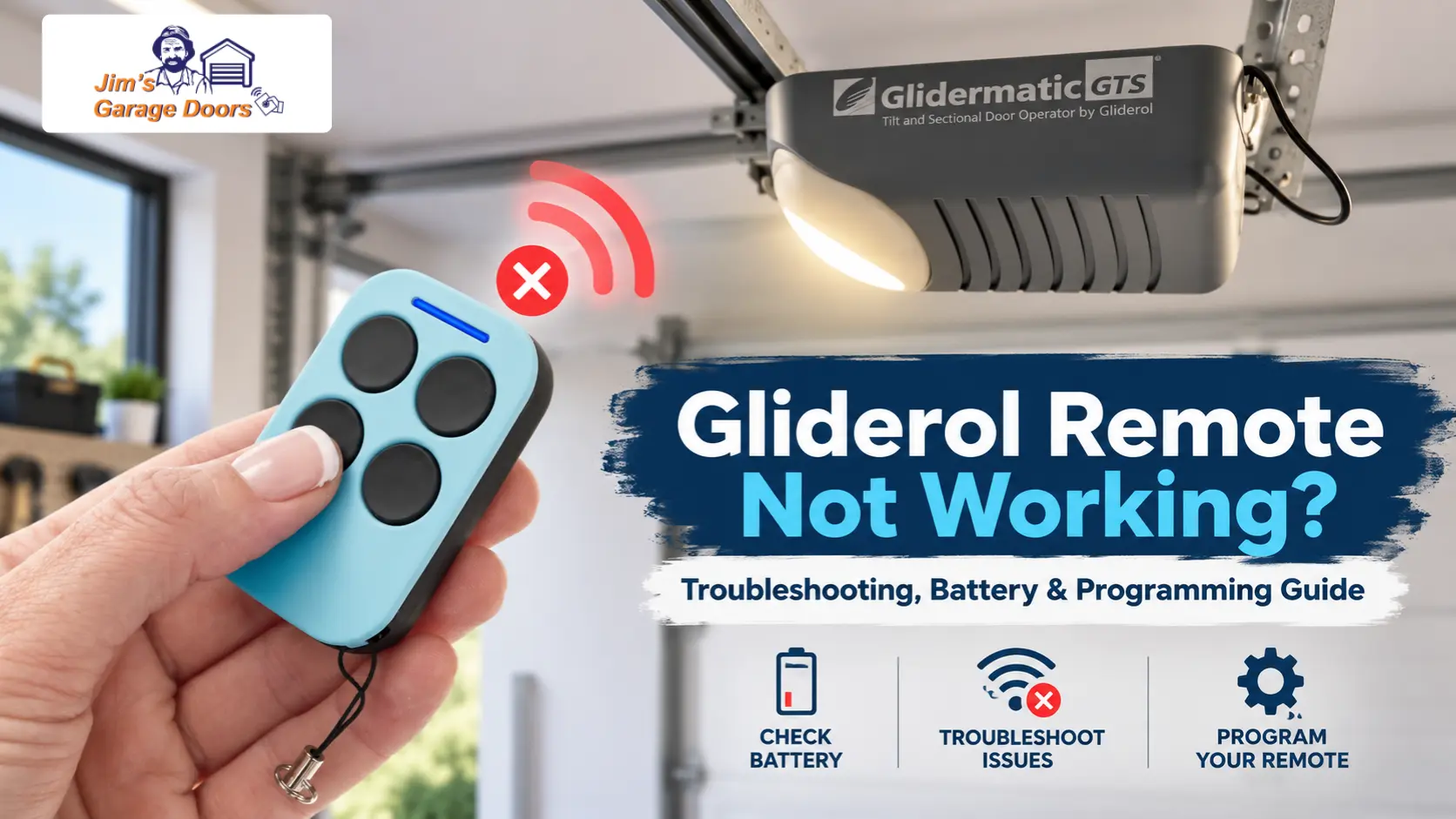
If your Gliderol garage door remote isn’t working, start with the battery, handset programming, and wall control before assuming the garage door motor has failed.
If the wall-mounted control operates the door but the remote doesn’t, the problem likely involves the handset, programming, compatibility, or receiver signal.
If neither control works, the fault may be elsewhere in the opener or power supply.
Is the Problem the Gliderol Remote, Receiver or Opener?
Use these checks to narrow down the fault before replacing anything.
| Symptom | More Likely Area | First Check |
|---|---|---|
| Remote has no light or response | Battery or handset | Replace the correct batteries |
| Remote lights up but door does not respond | Programming or receiver | Test the wall control |
| One remote fails but another works | Individual handset | Battery and programming |
| All remotes fail, but wall control works | Receiver or programming | Check remote coding |
| Remote only works close to the garage | Battery or interference | Replace batteries and retest |
| Neither remote nor wall control works | Opener or power | Check opener power |
A useful troubleshooting order is:
- Test the wall control.
- Try another programmed remote if available.
- Replace the affected remote’s batteries.
- Confirm the remote is compatible with the opener.
- Reprogram it using the correct Gliderol procedure.
- If several compatible remotes still fail, investigate the receiver or opener.
Why Is My Gliderol Remote Dead or Working Intermittently?
If a Gliderol remote is completely dead, check the batteries first. Weak batteries can also cause intermittent operation or reduced operating range.
Common symptoms include:
- No LED when you press the button: Check the batteries and their orientation.
- LED works but the door does not respond: Test the wall control, then check remote programming.
- Remote works only from close range: Replace the batteries first, then investigate possible signal interference.
- One remote works but another does not: The individual handset, its battery or its programming is the more likely issue.
A handset LED can illuminate even when the batteries are no longer providing reliable operating range, so the light alone does not rule out a battery problem.
How Do You Replace a Gliderol Remote Battery?
To replace a Gliderol remote battery, first identify the handset model and confirm the correct battery type, because different Gliderol remote generations can use different batteries.
Gliderol’s current remote guidance specifies two CR2016 3V lithium batteries for modern remotes.
For a compatible handset:
- Open the remote carefully.
- Check the existing battery type and polarity.
- Replace both batteries together if the remote uses two cells.
- Reassemble the handset.
- Test the remote before attempting to reprogram it.
Do not assume every older Gliderol handset uses the same battery as a current remote.
If fresh batteries do not restore operation, identify the opener model before moving to remote programming.
How Do You Program a Gliderol Remote?
Gliderol remote programming varies by opener model. Identify the motor or control box before following any programming sequence.
Gliderol currently provides separate remote guidance for combinations including:
- TM305C with Glidermatic GRD
- TM305C with GTS 2000 and GTS Optima
- TM390+ with GRD+
- TM390+ with Genesis and Genesis Optima
This means the opener model matters just as much as the remote model.
Programming an Older Glidermatic GRD Remote
Older Glidermatic GRD systems with the rectangular control box use an internal LEARN button.
The documented process is:
- Confirm the appropriate handset key configuration.
- Press the LEARN button on the circuit board once.
- The Learn LED illuminates.
- Press the desired button on the remote.
- The Learn LED switching off confirms programming.
The GRD can store up to 10 individual handsets. Holding the LEARN button for five seconds erases the stored transmitter codes, so do not hold it during normal programming.
Programming a Glidermatic GRD+ Remote
GRD+ uses the UP, DOWN and ENTER menu controls.
To code a transmitter from the controller:
- Hold ENTER for two seconds.
- Use UP and DOWN to select Learn.
- Press ENTER.
- Press the desired remote button while the Learn indicator is illuminated.
- One beep confirms successful coding.
- Two beeps mean the transmitter is already stored.
GRD+ can also enter Learn Mode using an already programmed handset. In that specific procedure, three beeps indicate that Learn Mode has been activated; they are not a universal Gliderol fault code.
Programming a Genesis or Genesis Optima Remote
Genesis and Genesis Optima use the CODE button and digital display.
To program the handset:
- Press CODE on the opener.
- The display shows
-. -. - Hold the desired remote button.
- Release it once the dots on the display flash.
- Test the remote.
Genesis openers can store up to 15 remotes. Holding CODE for more than eight seconds erases all stored handset data.
What About GTS 2000 and GTS Optima?
For GTS 2000 and GTS Optima sectional-door openers, use the programming instructions specific to that opener generation rather than following GRD, GRD+ or Genesis procedures.
Gliderol provides dedicated TM305C programming guidance for these systems. Because programming steps can differ between GTS generations and board revisions, identify the exact opener model before attempting to code the remote.
Why Won’t My Gliderol Remote Program?
A Gliderol remote may fail to program because of weak batteries, an incompatible handset, the wrong programming procedure for the opener model, or a receiver that is not accepting the code.
Check these four areas first:
- Battery condition: Install fresh, correct batteries before attempting to program the remote again.
- Opener model: GRD, GRD+, GTS, and Genesis systems do not all use the same programming sequence.
- Remote compatibility: A handset that looks similar is not necessarily compatible with every Gliderol receiver generation.
- Another remote: If another compatible handset programs and operates normally, the problem is more likely to be with the individual remote.
If multiple compatible remotes cannot be programmed using the correct procedure, the receiver or opener requires further investigation.
Why Does My Gliderol Remote Only Work Close to the Garage?
If your Gliderol remote only works when you are close to the garage, the most likely causes are weak remote batteries, radio interference or reduced receiver performance.
Start by replacing the remote batteries. If the operating range does not improve, check whether electronic equipment around the garage has recently changed.
Gliderol identifies potential interference sources including LED lighting, security cameras and smart-home equipment.
Compare more than one handset if possible:
- Only one remote has poor range: focus on that handset or its batteries.
- All remotes have poor range: investigate interference or the receiver side.
Avoid adjusting internal receiver components as a DIY range fix.
What If the Remote Works but the Door Still Does Not Move?
If the opener clearly receives the remote command but the door stops, reverses, struggles or fails to travel normally, the fault is no longer primarily a remote-control problem.
At this point, repeated remote programming is unlikely to help.
The problem may instead involve:
- opener travel settings;
- the motor or control system;
- an obstruction;
- mechanical resistance from the garage door.
If the opener receives the remote signal but the door beeps, stops halfway or reverses, see our Gliderol motor beeping and stopping halfway troubleshooting guide.
If the door is heavy, jerking, binding or rolling unevenly, the problem may be mechanical. See our Gliderol roller door heavy, jerking or stuck troubleshooting guide.
Should You Replace the Remote or Have the Receiver Checked?
A replacement handset is more likely when one remote fails but another compatible remote still operates the door normally.
Receiver or opener diagnosis becomes more appropriate when:
- all compatible remotes stop working;
- multiple remotes will not program;
- fresh batteries make no difference;
- the wall control works, but the receiver does not respond reliably to any handset.
If a remote has been physically damaged, exposed to water or remains unresponsive after battery replacement and correct programming, replacing the handset may be the simplest solution.
If several remotes are affected at the same time, replacing every handset is unlikely to be the best first step.
What Should You Do If a Gliderol Remote Is Lost?
If you lose or have a Gliderol remote stolen, erase the opener’s stored remote memory and reprogram the handsets you still have.
The procedure depends on the opener:
- Older GRD systems use LEARN;
- Genesis systems use CODE;
- Menu-based Glidermatic systems use their Learn function.
Memory erasure generally removes all stored handsets, so have the remotes you want to keep ready before you begin.
When Should a Technician Check the Gliderol Opener?
Professional diagnosis is appropriate when fresh batteries and the correct programming procedure don’t restore reliable operation, especially when several remotes fail at the same time.
A technician should also assess the system when:
- you cannot confirm remote compatibility;
- multiple handsets will not program;
- the receiver appears unresponsive;
- the opener receives the signal, but the door does not operate correctly;
- receiver or control-system repair is required.
Jim’s Garage Doors can inspect the remote, receiver, opener controls, and door operation to identify why your Gliderol remote isn’t working, so you don’t replace parts unnecessarily. If fresh batteries and the correct programming procedure do not restore reliable operation, call 131 546 to arrange a professional inspection.
If the opener responds to the remote but the door stops, reverses, moves unevenly or struggles, the problem is likely beyond the handset and should be diagnosed as an opener or mechanical garage door fault.
If the remote stopped working after a blackout or after using the manual release, follow our Gliderol power outage and manual re-engagement guide before treating it as a remote fault.