
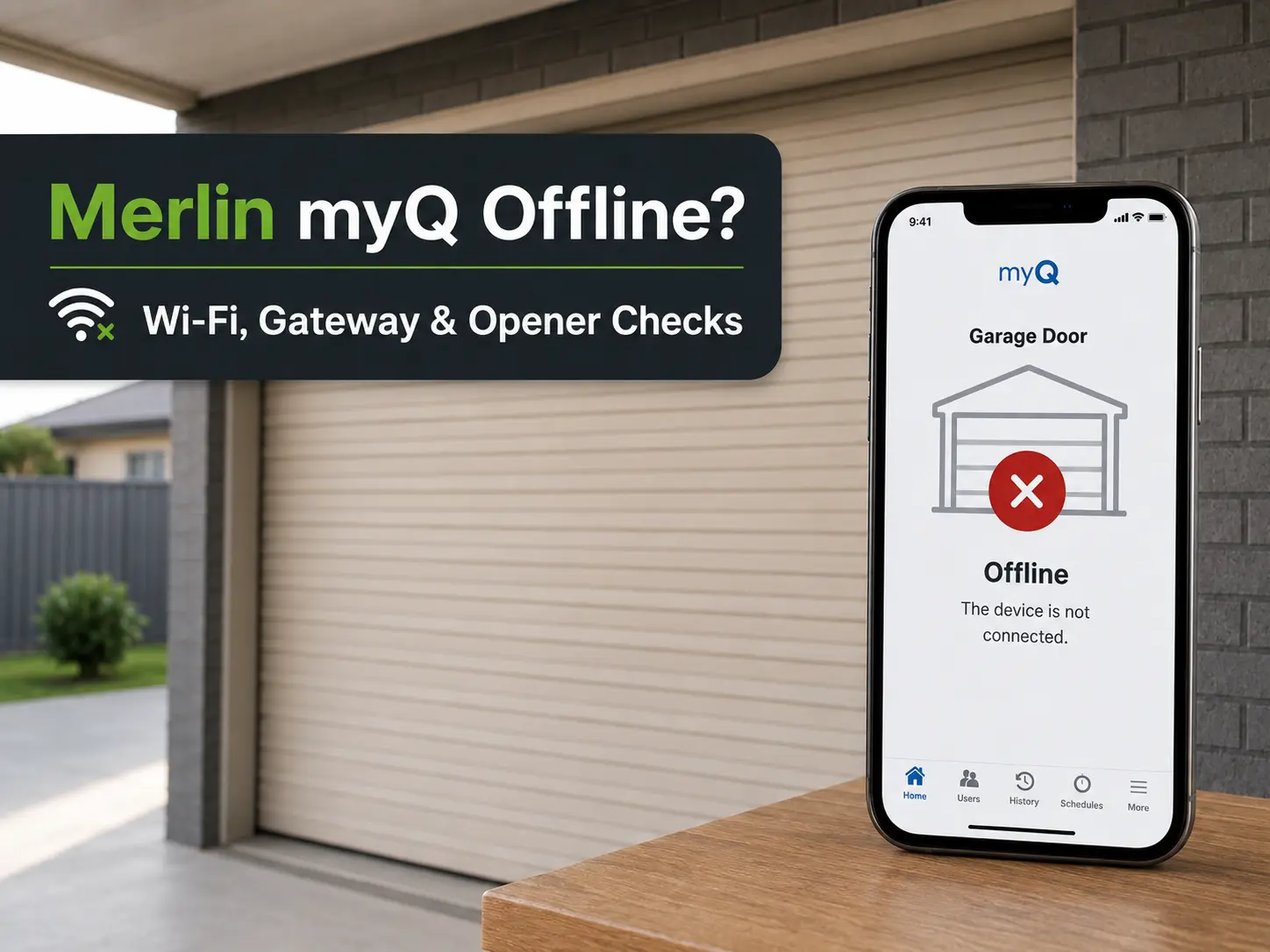
A Merlin myQ opener usually shows Offline when the opener or gateway has lost power, the internet connection has dropped, router details have changed, or communication between the opener and myQ device has failed.
Start by checking whether the garage door still works from the wall control or handheld remote.
- If the wall control and remote still work, focus on the app, router, Wi-Fi or gateway.
- If the wall control and remote also fail, the opener or garage door may need onsite testing.
Complete the checks below once. If myQ remains offline, book a technician rather than repeatedly deleting devices or resetting the gateway.
What Should You Check First?
| What Is Happening? | Likely Cause | First Check |
|---|---|---|
| myQ app will not open or sign in | Phone, app or internet issue | Test the app on mobile data |
| App opens but the door shows Offline | Opener, gateway or router connection issue | Check device power and status lights |
| Gateway has no light | Power supply or gateway fault | Check the outlet and power lead |
| Problem started after changing routers | Old network details remain stored | Reconnect myQ to the new network |
| Wall control works but the app does not | Connection or pairing fault | Check router, gateway and myQ account |
| App connects but will not close the door | Safety IR Beam or door fault | Check the beam area and door movement |
| Wall control and remote also fail | Opener or mechanical door fault | Stop network checks and book an inspection |
myQ still offline after these checks?
Call Jim’s Garage Doors on 131 546 or request a quote.
Step 1: Confirm Whether the Door Works Without the App
Test the wall control first, then the handheld remote.
When both local controls work, the motor and garage door are probably still operating. The fault is more likely within the myQ connection, internet service, gateway or app setup.
When neither control works, do not continue changing router settings. Check whether the opener has power. If it hums, grinds, flashes warnings or the door is heavy or crooked, arrange an inspection.
This first test prevents time being spent on Wi-Fi when the real fault sits inside the opener or door.
If the wall control operates the garage door but the handheld remote does not, troubleshoot the transmitter separately with our Merlin garage door remote not working guide. A remote battery, programming or receiver fault is different from a myQ internet connection problem.
Step 2: Identify Your Merlin myQ Setup
Merlin myQ systems may use:
- An opener with built-in Wi-Fi
- A separate myQ Internet Gateway connected to the router
A built-in Wi-Fi opener connects directly to the home wireless network. A separate gateway usually connects to the router with an Ethernet cable and then communicates with the opener.
Look for a small gateway near the router. It should have a power lead, Ethernet cable and status lights.
When no separate gateway is present, check the opener label or model information for built-in myQ or Wi-Fi capability.
Knowing which setup is installed tells you which checks apply.
Step 3: Check the myQ App and Phone Connection
When the app does not load or sign in, check the phone before resetting any garage equipment.
Try these steps:
- Close and reopen the myQ app.
- Confirm that another website or app loads.
- Turn off home Wi-Fi and test myQ through mobile data.
- Restart the phone.
- Install any available myQ app update.
- Sign out and sign back in once.
If myQ works through mobile data but not home Wi-Fi, the issue may sit with the router or home internet.
If it fails on both connections, check the account details and app before making changes to the opener.
Step 4: Check Power, Router and Gateway Connections
A Merlin myQ device cannot remain online without power and internet access.
For a separate Internet Gateway, check:
- The power adapter is connected
- The outlet switch is on
- The Ethernet cable is connected at both ends
- The router has internet access
- The cable is plugged into an active LAN port
- The gateway has a status light
When the gateway has no light, test the outlet with another device. If the outlet works and the gateway remains unlit, the adapter or gateway may need replacement.
When the gateway light suggests it has no internet access, restart the modem and router once. Reconnect the Ethernet cable and try another router port.
Do not repeatedly restart or reset the gateway when it has no power or internet connection.
Step 5: Reconnect myQ After a Router or Password Change
A Merlin opener with built-in Wi-Fi may go offline after:
- Replacing the router
- Changing the Wi-Fi name
- Changing the Wi-Fi password
- Moving the router
- Changing network settings
Open the myQ app and use its Wi-Fi update or device reconnection process. Stay close to the opener and enter the current network details carefully.
For a separate Ethernet-connected gateway, changing the wireless password alone may not affect it. Check whether the gateway was disconnected or moved when the new router was installed.
Do not delete the opener from the account until the power, cables and network have been checked.
What If the Gateway Is Online but myQ Still Shows Offline?
When the gateway has power and internet access, but the app still shows Offline, check the account and opener pairing.
Confirm that:
- You are signed into the correct myQ account
- The correct property is selected
- The gateway still appears in the account
- The correct garage door is selected
- The opener still has power
- The opener remains paired with the gateway
Close and reopen the app after checking these details.
A factory reset should come later. Resetting too early removes the existing setup and creates more work without correcting a power, router or communication fault.
Why Does myQ Connect but Refuse to Close the Door?
When the app connects but will not close the garage door, check the Safety IR Beams and physical door movement.
Look for:
- An object blocking the beam
- Dust or cobwebs on the lenses
- A sensor bracket that has been bumped
- Visible wiring damage
- The door reversing from its wall control
- The door stopping before reaching the floor
Do not bypass or disconnect the beams.
If the garage door also stops, reverses or reopens when operated from the wall control or handheld remote, the problem is no longer limited to myQ. Follow our Merlin garage door won’t close or keeps reversing guide for Safety IR Beam, obstruction, door-resistance and closing-limit checks.
Should You Factory-Reset the myQ Gateway?
Reset the gateway only after checking power, internet access, cables, the myQ account and opener pairing.
A factory reset removes the existing connection. You will then need to add the gateway and opener again.
Do not reset the gateway when:
- It has no power
- The internet is down
- The Ethernet cable is damaged
- The opener has no power
- The wall control and remote also fail
- The garage door has a mechanical fault
- You do not have the account or device details
When the basic checks are complete and the gateway still will not connect, a technician can test whether the fault sits with the gateway, opener or communication link.
When Should You Book a Merlin Technician?
Book an inspection when the quick checks do not restore myQ or when the problem involves the opener, safety beams or garage door.
Arrange service if:
- The gateway remains unlit in a working outlet
- The gateway repeatedly drops offline
- The opener will not pair with the gateway
- The app remains offline after router reconnection
- Safety IR Beams are damaged or missing
- The wall control and remote also fail
- The motor hums, grinds or clicks
- The garage door is heavy, crooked or off-track
- A spring, cable or roller appears damaged
- The garage cannot be opened or secured
Do not open the motor housing, alter gateway wiring or bypass safety equipment.
If the Merlin motor can be heard running or humming but the garage door itself remains stationary, stop troubleshooting Wi-Fi or the gateway. Use our Merlin motor runs but door won’t move guide to check whether the fault involves the manual release, drive connection, springs, cables, tracks or opener.
What Does a Technician Check?
A technician checks the connection equipment and garage door before recommending replacement parts.
Testing may include:
- Merlin opener model and myQ compatibility
- Built-in Wi-Fi or separate gateway setup
- Gateway power supply
- Router and Ethernet connection
- Gateway status lights
- Opener and gateway pairing
- Communication between the devices
- Safety IR Beam operation
- Wall control and remote response
- Garage-door movement and safety reversal
This identifies whether the fault comes from the home network, gateway, opener or door.
What If the Merlin Garage Door Will Not Open Either?
If myQ is offline and the garage door also will not operate from its wall control or handheld remote, the issue may involve more than the connected system. Use our Merlin garage door not opening guide to check the wider opener, controls and garage-door mechanism before continuing with network troubleshooting.
Merlin myQ Connection Repairs
Jim’s Garage Doors can inspect Merlin myQ gateways, compatible openers, Safety IR Beams and related garage-door faults.
Call 131 546 or request a quote when myQ remains offline after checking:
- App access
- Mains power
- Router connection
- Ethernet cables
- Network details
- Gateway lights
- Opener pairing
A technician can confirm whether the existing equipment can be reconnected or whether a gateway, sensor or opener part needs repair or replacement.
Frequently Asked Questions
Why does my Merlin myQ app say Offline?
The opener or gateway may have lost power, internet access, network details or communication with the opener. Check whether the wall control works, then inspect the gateway or Wi-Fi connection.
Why did myQ stop working after changing the router?
A built-in Wi-Fi opener may still contain the old network name or password. A separate gateway may have been disconnected from power or Ethernet during the router change.
Does the Merlin myQ Internet Gateway use Wi-Fi?
A separate gateway usually connects to the router through an Ethernet cable. Certain Merlin openers have built-in Wi-Fi and connect directly to the wireless network.
Why can I open the door in myQ but not close it?
The Safety IR Beams may be blocked, out of position or faulty. Check the beam area and confirm whether the door also refuses to close from its local controls.
Should I reset the gateway when it shows Offline?
Not as the first step. Check power, internet access, cables, status lights, account details and pairing before completing a factory reset.