
If your Gliderol garage door will not work after a power outage, the opener may still be disengaged from the door, may need re-engagement, or may need to complete a model-specific reset cycle before automatic operation returns.
The correct process depends on the Gliderol opener fitted to the door, so identify the motor model before forcing the release mechanism or repeatedly operating the remote.
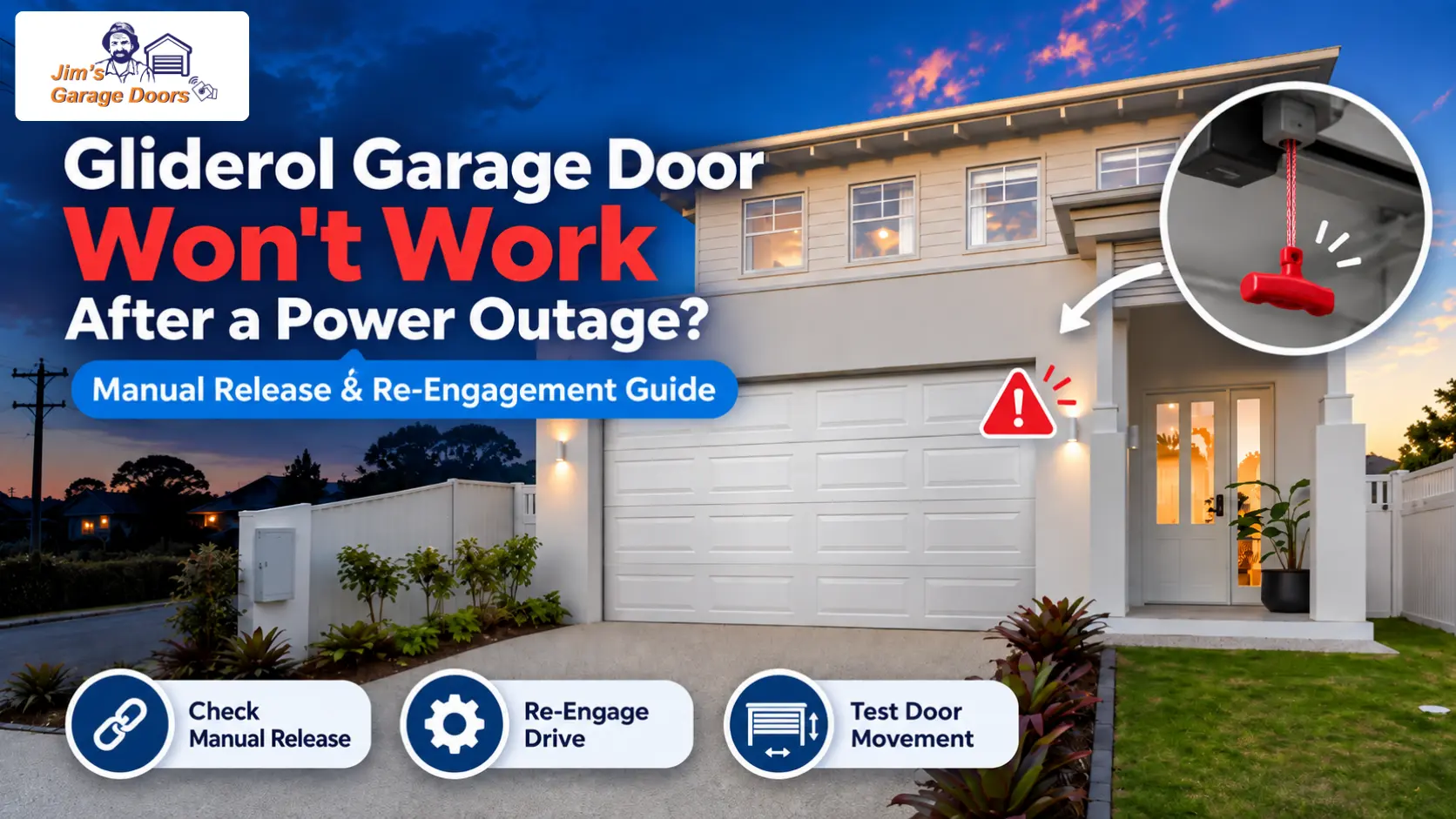
Why Won’t My Gliderol Garage Door Work After the Power Comes Back On?
A Gliderol garage door may remain inoperative after power returns because the manual release is still disengaged, the drive hasn’t reconnected, or the opener hasn’t completed its required reset or reference cycle.
Start with what happened during the outage.
| What Happened | More Likely Issue | First Check |
|---|---|---|
| Manual release was used | Drive still disengaged | Re-engage using the correct model procedure |
| Motor runs, but door does not move | Drive connection | Check manual-release engagement |
| Door operates differently after power returns | Reset or reference cycle | Check model-specific behaviour |
| Door is unusually heavy manually | Separate mechanical fault | Stop and inspect the door |
| Opener remains completely unpowered | Power supply or opener fault | Check outlet and circuit supply |
If the door is difficult to control manually, don’t force it just because the original problem began with a blackout.
How Do You Open a Gliderol Garage Door During a Power Outage?
You can open a Gliderol garage door during a blackout by disengaging the opener with its manual-release mechanism and then moving the door by hand.
The release method varies by opener model, but the purpose is the same: disconnect the motor drive so the door can move manually.
Before lifting the door:
- Make sure you can control the door safely.
- Use the manual-release mechanism for the fitted opener.
- Move the door slowly by hand.
- Stop if the door feels unusually heavy, crooked or jammed.
If a door becomes difficult to move once the motor is disengaged, it may have a separate mechanical problem.
How Do You Re-Engage a Glidermatic GTS or GTS Optima?
For a Glidermatic GTS or GTS Optima, return the door toward the closed position to allow the manual-release mechanism to reconnect with the drive.
Gliderol’s manual-operation guidance states that the release pin should click back into place when you return the door to the closed position.
If it does not reconnect:
- Move the door manually to around the halfway position.
- Press and hold the remote button.
- Allow the chain mechanism to reconnect with the door.
Once engagement is restored, test normal powered operation.
Do not force the mechanism if it does not reconnect normally.
How Do You Re-Engage a Glidermatic GTS+?
Re-engage a Glidermatic GTS+ by returning the door to a suitable position and allowing the release mechanism to reconnect with the opener drive.
If normal closing does not reconnect the drive, Gliderol guidance allows you to position the door about halfway, then operate the remote so the chain can re-engage.
After reconnection, test one complete opening and closing cycle.
If the drive repeatedly fails to engage, further opener diagnosis is more appropriate than repeatedly cycling the release.
How Do You Re-Engage a Genesis or Genesis Optima?
For Genesis and Genesis Optima systems, return the manual-release lever to its automatic-operation position before testing the opener.
Gliderol’s manual-operation procedure lets you reset the release lever by hand or by repositioning the release cord, as directed for the system.
Once the lever is back in the automatic position:
- Confirm the door is connected to the drive.
- Test the opener normally.
- Stop if the motor operates, but the door remains disconnected.
Repeated motor operation will not solve a release mechanism that has failed to re-engage.
What Happens on a Glidermatic GRD+ After a Power Failure?
A Glidermatic GRD+ may perform an automatic limit-reference cycle after power restoration or after manual operation.
During this process, the opener may initially move the door toward the closed position to re-establish its floor reference.
Normal operation resumes after the reference cycle completes.
This means a GRD+ behaving differently during its first cycle after a blackout is not automatically faulty.
Allow the cycle to complete unless the door is obstructed, binding or moving unsafely.
What About Rollamatic GEN II After a Power Outage?
To return a Rollamatic GEN II to automatic operation, re-engage its manual-release mechanism with the door positioned as required by the operator procedure.
Gliderol’s manual-operation guidance uses the hanging release control to switch between manual and automatic modes.
After re-engagement, the first powered cycle may return the door toward its closed position before normal operation resumes.
Because this differs from some sectional-door openers, use the procedure for the exact Rollamatic model rather than another Gliderol system.
What If the Motor Runs but the Door Still Does Not Move?
If the motor runs but the door does not move, the opener drive may still be disengaged from the door.
Check:
- whether the manual release was used;
- whether the release lever or pin has returned to automatic mode;
- whether the chain or drive has physically reconnected;
- whether the correct procedure was used for that opener.
If the drive appears properly engaged but the motor still runs without moving the door, the problem requires opener diagnosis rather than further re-engagement attempts.
If the opener is engaged but continues to beep, stops halfway, reverses, or fails to complete travel, see our Gliderol motor troubleshooting guide.
What If the Door Is Too Heavy to Open Manually?
If the door is very heavy, crooked, binding or difficult to control manually, stop operating it because the blackout may have exposed a separate balance or mechanical fault.
Do not force the door open or try to adjust the spring.
A power outage removes motor assistance, which can make an existing mechanical problem much more obvious.
If the door is heavy, jerking, binding or rolling unevenly, continue with our Gliderol roller door heavy, jerking or stuck troubleshooting guide.
When Is the Problem More Than a Power-Outage Reset?
The problem is likely more than a simple blackout reset when correct re-engagement does not restore normal operation.
Further diagnosis is appropriate when:
- the drive will not reconnect;
- the opener has power but will not respond;
- the motor runs without moving the door;
- the door remains heavy or binding manually;
- the door stops or reverses after re-engagement.
At that point, repeating the manual-release procedure is unlikely to fix the underlying fault.
If the opener works from the wall control but not from the handset after power has returned, see our Gliderol remote not working troubleshooting guide.
When Should a Technician Check the Gliderol Opener?
Professional diagnosis is appropriate when the manual-release mechanism will not re-engage, the opener does not return to normal operation, or the door is difficult to move manually.
Jim’s Garage Doors can assess the manual-release mechanism, drive engagement, opener operation, travel settings and door movement to determine whether the issue is a simple re-engagement problem, an opener fault or a separate mechanical door issue.
If your Gliderol garage door still will not operate normally after a blackout, call 131 546 or request a quote.